
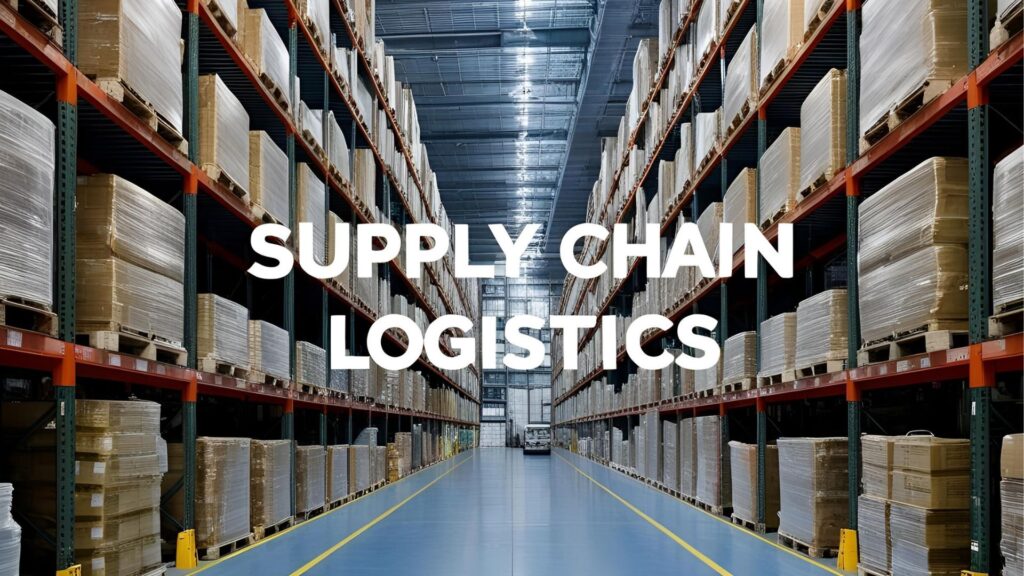
In today’s construction materials industry, manual logistics processes are a major bottleneck. As order volumes rise and customer expectations increase, suppliers need faster, more accurate ways to manage shipping, inventory, and delivery.
That’s where ERP integration and logistics automation come in.
Whether you’re a small distributor or a growing regional supplier, automating your logistics workflows can significantly reduce delays, cut costs, and improve contractor satisfaction. This beginner’s guide will help you understand what ERP-integrated logistics means, why it matters, and how to start automating step-by-step.
What Is ERP Integration in Logistics?
An ERP (Enterprise Resource Planning) system is a centralized platform that manages key business functions—such as inventory, purchasing, finance, and customer orders.
When your ERP system is integrated with logistics workflows, it creates a direct link between what’s happening in your business and what’s happening in your warehouse and delivery operations. This allows you to:
Why Automate Logistics Workflows?
Manual processes like phone calls, spreadsheets, and siloed systems lead to:
Orders are entered manually, checked against inventory, and handed off to dispatch via email or paper.
Stock levels are updated manually—often after delays—leading to overstock or out-of-stock issues.
Dispatch staff calls or emails carriers, tracks shipments manually, and updates customers case by case.
Drivers collect signatures manually, return paperwork, and invoicing is delayed until confirmation is processed.
Fewer manual steps mean fewer mistakes in order fulfillment or scheduling.
Automation reduces delays between order, pick, pack, and dispatch.
Contractors get more accurate ETAs, full deliveries, and faster responses.
Faster delivery and invoicing mean quicker payment cycles.
As your business grows, automated workflows help you handle more volume with fewer resources.
Look for platforms that integrate with logistics tools like TMS (Transportation Management Systems), WMS (Warehouse Management Systems), and eCommerce channels.
Define what you want to automate first—start small with high-impact areas (like order fulfillment or delivery notifications).
Your ERP provider or a third-party integrator can help connect your systems and ensure data flows correctly between platforms.
Make sure dispatchers, warehouse staff, and customer service teams understand the new system. Use checklists, SOPs, and dashboards to make adoption easy.
Use this data to refine your workflows over time.
Logistics automation through ERP integration isn’t just for large corporations—it’s a smart, scalable solution for any supplier looking to grow without sacrificing service quality.
Efficiency, speed, and visibility are the new standard. By starting with a solid ERP strategy and automating core logistics processes, you’ll be better equipped to meet contractor expectations, lower costs, and stand out in a competitive market.
