
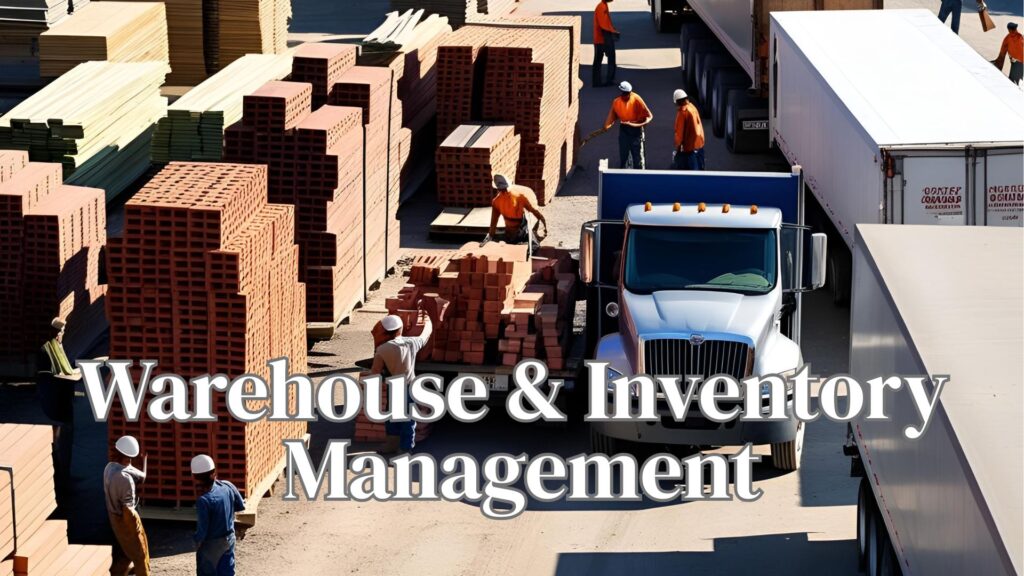
In high-volume building material distribution, your fast-moving SKUs are the heartbeat of the operation — think lumber bundles, bagged cement, metal studs, drywall, and adhesive pails. These products move in and out daily, and any delay in accessing, staging, or replenishing them can ripple into delivery bottlenecks, missed jobs, and strained customer relationships.
That’s why warehouse design isn’t just about layout — it’s a strategic layer of your inventory control system, especially when it comes to high-turnover items.
In this blog, we’ll explore how to design your warehouse to support faster picks, smarter replenishment, and greater control over your most in-demand products.
Why Design for High-Turnover SKUs?
A smart layout reduces time waste, improves order accuracy, and prevents bottlenecks. It also supports automation, cycle counting, and real-time stock visibility.
Golden zones are easy-to-reach locations between waist and shoulder height, closest to staging or dock areas.
Use your ERP to identify your top 20% fastest movers and assign them to front-line pallet positions, low cantilever arms, or near drive-through lanes.
One-way flow reduces congestion, improves forklift safety, and minimizes delays in high-traffic areas.
Bonus: Improves operational visibility and safety audits.
High-turnover SKUs are often restocked while pickers are still fulfilling — leading to conflict and double-handling.
Add replenishment-only lanes where stock can be dropped without interrupting pickers
Tie replenishment triggers to ERP min/max rules, especially during peak seasons
Use staging queues for replenishment so product is always ready when needed
For products that are always in motion, like fastener pallets or bagged concrete, it’s inefficient to store them deep in the warehouse.
Let your ERP auto-flag eligible SKUs for cross-docking based on recent velocity
High-turn products are often grouped closely, and similar SKUs (e.g., 2×4 vs 2×6 lumber) can be mispicked under pressure.
Tie all signage to digital bin IDs in your ERP or WMS
Pro tip: Add photo references in mobile scanners to verify SKU appearance before staging.
Don’t mix slow movers with fast movers.
This ensures pickers spend the least amount of time getting the most important products.
Your pick process doesn’t end until the product is on the truck. High-turnover SKUs should flow directly into staging with minimal touches.
Sync staging zones with delivery truck loading order (reverse drop logic)
Warehouse design should integrate with your ERP/WMS — not operate separately.
Designing your warehouse around high-turnover products doesn’t mean just giving them front-row space — it means creating a system that supports speed, safety, and accuracy under pressure.
When your layout is aligned with velocity data and integrated with your ERP, your warehouse becomes:
Because in building materials, it’s not just what you store — it’s how you store and move it that keeps customers coming back.
